Why Everyone Hates Gemini Watermark on the Corner of Images

You create an AI image and for a moment it feels perfect. The design looks clean. The colors look balanced. The composition feels right. Then your eyes go to the corner and you notice a small watermark sitting there.
This is where the problem starts. That small mark changes how the image feels. You may ignore it at first. But when you try to use that image in a blog, thumbnail, or social media post, it starts bothering you more.
Many users are facing the same issue. The thing is that the problem is not just about one small logo. It is about control, usability, and how people want to use AI generated content in real situations. If you are worried about the legal side, you should check our guide on Gemini AI image copyright.
What the Gemini Watermark Actually Is
When you generate an image using Gemini, a visible watermark appears on the image. This watermark is usually placed in one corner so that it stays noticeable but does not fully block the content.
At the same time, there is also an invisible watermark inside the image. This hidden layer is not visible to your eyes but it exists in the file data. It is used for tracking and verification.
So what you get is not just a logo on the image. You get two types of marking. One you can see. One you cannot see.
Why Gemini Adds a Watermark
The reason is quite clear here. Companies want to show that the image is created using AI. This helps people understand the source of the content.

Another reason is misuse prevention. AI images can be used in misleading ways. That’s why platforms try to label them clearly so that people do not confuse them with real photos.
From a company point of view, this looks like a responsible step. But from a user point of view, the experience becomes different.
Why Users Start Disliking It
Now here’s the thing. When you use AI tools, your expectation is very clear. You want fast output and ready to use content.
The watermark breaks that expectation.
It Breaks the Clean Look
You create an image for a blog or thumbnail. You expect a clean and polished result. But the watermark adds an extra element that does not match your design.
Even if the image is perfect, that small corner mark makes it feel unfinished. You may feel like something is off even if everything else looks fine.
It Does Not Feel Professional
If you are running a website or creating content regularly, you already know this part. A clean image looks more professional.
The moment a watermark appears, it gives a different impression. It looks like a draft instead of a final image. This affects how your content is perceived by others.
Cropping Does Not Always Work
You might think of one quick solution. Just crop the image and remove the corner.
But wait, this matters a lot. Cropping is not always safe. You may lose important parts of the image. The composition may break. The balance of the design may change.
So you fix one problem but create another one.
Extra Editing Adds More Work
The whole idea of AI tools is to save time. You generate an image in seconds. That part works well.
But then you spend extra time editing the image just to clean the visible mark on a file you are allowed to edit. You open editing tools. You try clone tools. You adjust pixels manually.
This adds friction to the process. Instead of saving time, you start spending more time.
No Direct Option to Remove It
One small thing many people notice is this. There is no simple button to remove the watermark inside Gemini.
You may feel like you should have control over the output. But that option is not given directly. This is where frustration builds up.
The Technical Side You Should Know
Now here’s the part many people do not think about. The watermark is not just placed randomly.
It is blended into the image using specific techniques. That’s why it looks smooth and natural instead of looking pasted.
Because of this blending, removing it cleanly becomes harder. If you try manual editing, you may damage the image quality.
That’s why basic editing tricks do not always give good results.
The Real Conflict Between Users and Platforms
What you need to understand is this. Platforms are focusing on safety and transparency. They want to clearly label AI content.
Users are focusing on usability. They want ready to use images without extra steps.
These two goals do not match perfectly. That’s why this issue keeps coming up. For more details on the legal aspects, check out our guide on whether Gemini AI images are copyright free.
What You Can Do About It
Now coming to the practical part. You have a few options, but not all of them are ideal.
Cropping is one option but it affects the composition. Manual editing is another option but it takes time and effort.
This is where dedicated tools start becoming useful.
Instead of struggling with editing, you can use a tool that helps clean the visible Gemini watermark area while keeping the image intact, as long as the image is yours or you have permission to edit it.
The thing is that many users are already looking for this type of solution because they want quick results without damaging the image.
Why a Watermark Removal Tool Makes Sense
If you ask me, this is where your tool becomes useful.
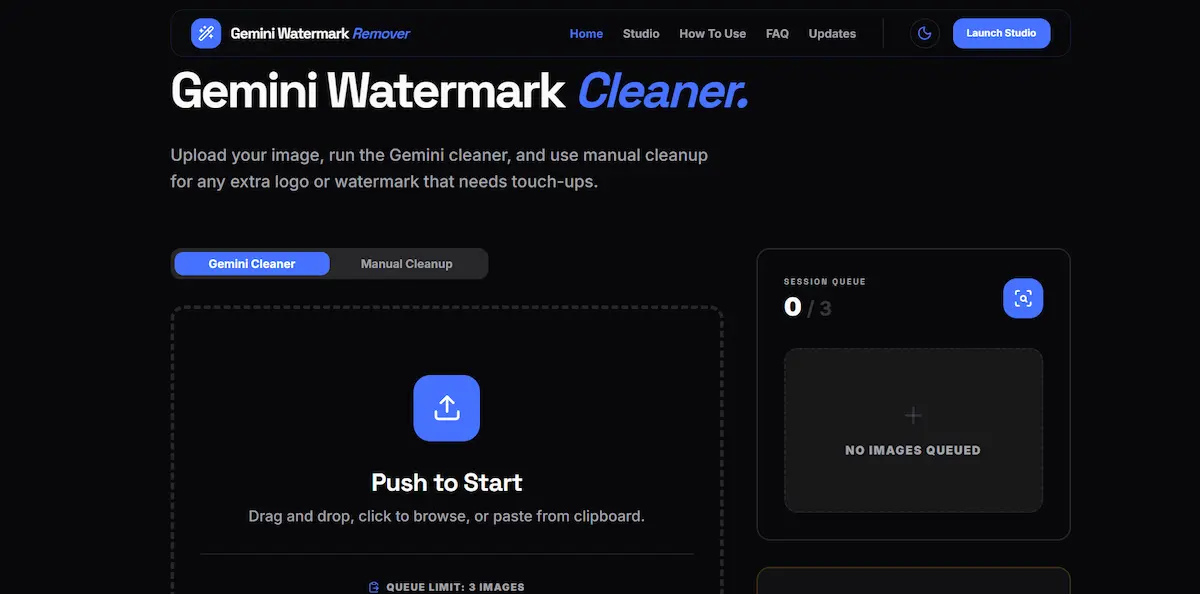
You generate the image. Then you upload it to your tool. The visible corner area can be cleaned without affecting the rest of the image as much as a heavy manual edit might.
You save time. You keep the full design. You avoid manual editing mistakes.
This is what most users actually want. Fast output with fewer extra steps on files they are allowed to edit.
One Important Thing You Should Keep in Mind
Even if you remove the visible watermark, the hidden watermark may still exist inside the image data.
This means the image can still be identified as AI generated at a technical level.
So you are mainly improving the visual usability of the image, not removing all traces completely.
You should also avoid using any tool to remove copyright notices, ownership marks, creator logos, platform marks, AI transparency labels, or watermarks from third-party content without permission.
Final Thoughts
Gemini watermark is not added randomly. It is added with a purpose. The goal is transparency and responsible AI use.
But from your side, the experience feels limited. You want clean images that you can use anywhere without extra work.
That’s why many people dislike the watermark. It creates a small but constant friction in the workflow.
At the end of the day, you want control over your own content. And when that control is reduced, you start looking for better ways to fix it responsibly.
That is exactly why visible-mark cleanup tools are getting attention now.